Image inversion in dark mode is problematic #349

Description

What is the problem?
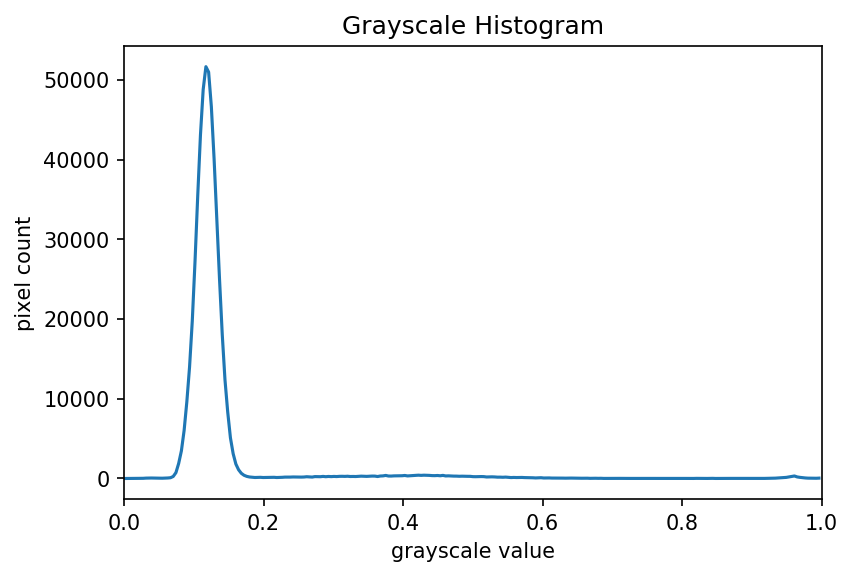
When reading the lesson material in dark mode, images are inverted by default. While this might be useful for diagrams, it is problematic for photos. In particular, in this lesson about computational image analysis, it is misleading and confusing as the images no longer fit the description (or histogram). As an example, consider the root image in lesson 3:
When viewed with dark theme, it looks like this:
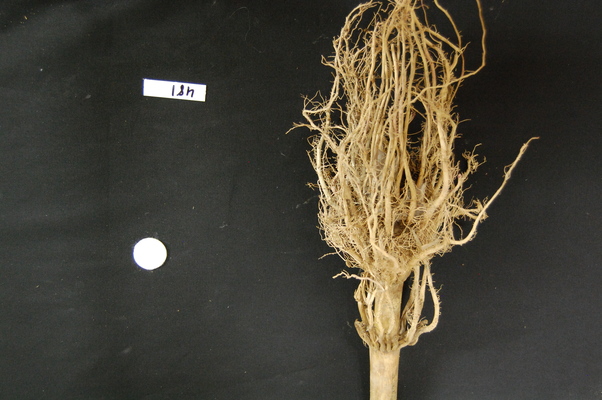

Now it appears as a dark object on a light background, whereas the reverse is true.
There are plenty more examples. The cause of the issue is that by default the dark-filter of varnish applies to all images.
@tobyhodges do you know of any way to prevent the application of that class for certain images? I think for this lesson we could also prevent inversion for all images with some !important CSS rule, but for some images it might be sensible to invert them (e.g. this one in lesson 5)
Location of problem (optional)
https://datacarpentry.github.io/image-processing/instructor/03-skimage-images.html