 pkgx

Replies: 3 comments

|
@urcades hi have you tried executing |
0 replies

|
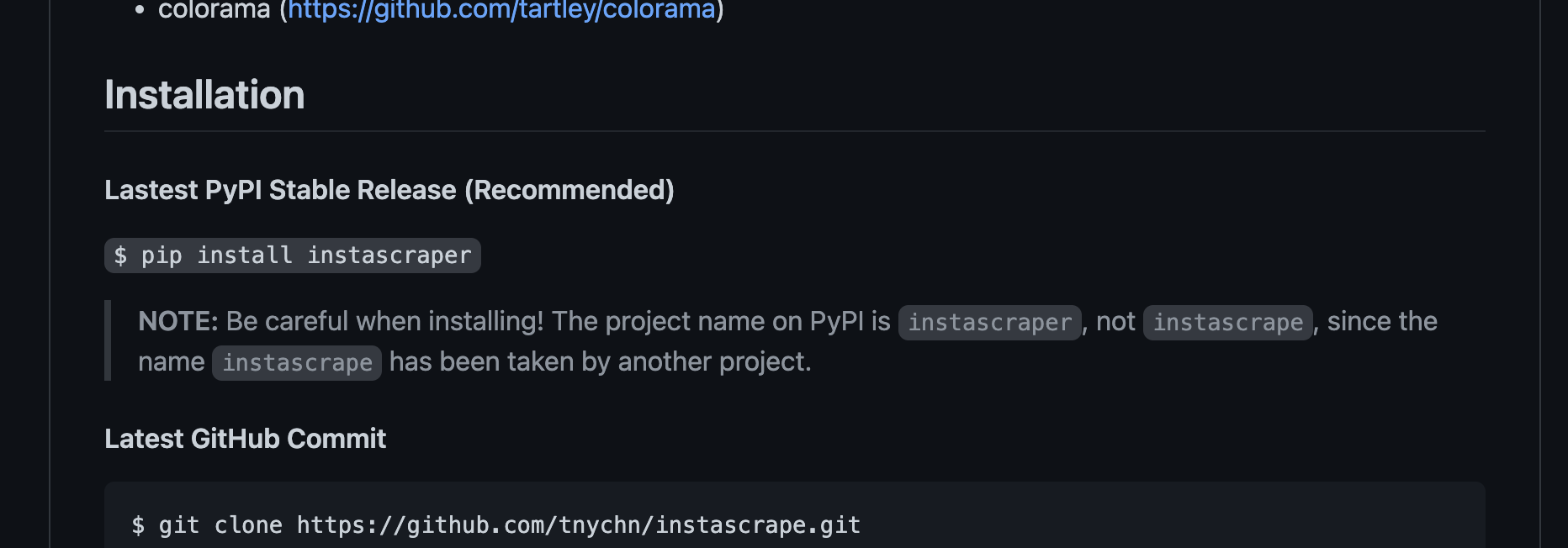
@getneil I've tried both names — this project is confusing in that its pip package is named |
0 replies

|
As long as your pip was installed within the last week the tools go to Otherwise they will be buried in the tea prefix ( I would delete Also I imagine there is a way to get pip to be verbose in its output which would tell you where it puts things though I don't know what the trick is there. |
0 replies
Sign up for free
to join this conversation on GitHub.
Already have an account?
Sign in to comment


Uh oh!
There was an error while loading. Please reload this page.
I've recently installed instascrape via pip, through tea, and I'm not sure how to access the resulting cli app.
When I attempt to use
instascrapeas intended, i.e. via the repo's example —— I receive an error
tea: command not found: instascrape.If anyone could help me figure out how to access the instascrape cli with tea installed, I'd appreciate it.
All reactions