


RX-INT is a kernel-mode engine for Windows that detects and dumps "fileless" threats in real-time allowing for a further analysis pipeline.
For further knowledge about the architecture, threat model, and full evaluation results, please read the research paper.
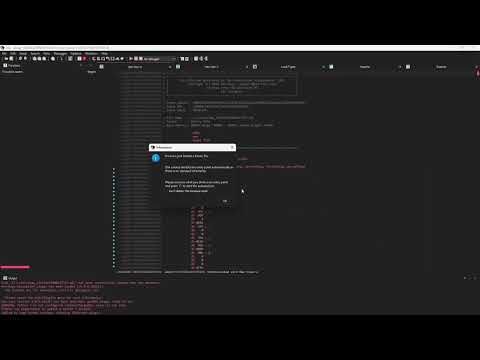
This demo uses the KernelCallback injection method, no threads are made and the PEH is also erased.
- Windows 10/11 x64
- Administrator privileges
- Test Signing Mode must be enabled. Run this in an admin command prompt and reboot (you can load it however you'd like but this is the easiest way for a general windows user to do so):
bcdedit /set testsigning on
- Use a tool like OSR Driver Loader or the command line to load
rxint.sys.sc create rxint type= kernel binPath= C:\path\to\rxint.sys sc start rxint
- Launch
rx-tui.exe. - From the TUI, select the option to attach and provide the Process ID (PID) of the application you want to monitor.
If you use this project in your research, please cite the paper:
@inproceedings{juneja2025rxint,
  title={{RX-INT}: A Kernel Engine for Real-Time Detection and Analysis of In-Memory Threats},
  author={Arjun Juneja},
  year={2025},
}