Home
Welcome! This wiki complements the main NixOS-Hyprland repository and consolidates installation paths, requirements, common tasks, troubleshooting links, and community resources.
- Main repository: https://github.com/JaKooLit/NixOS-Hyprland
- Readme (full guide): https://github.com/JaKooLit/NixOS-Hyprland/blob/main/README.md
- Discord: https://discord.gg/kool-tech-world
- Hyprland Dots (configs are fetched during install): https://github.com/JaKooLit/Hyprland-Dots
- Hyprland on NixOS (official wiki): https://wiki.hyprland.org/Nix/Hyprland-on-NixOS/
- GTK Themes/Icons used: https://github.com/JaKooLit/GTK-themes-icons
- Wallpapers: https://github.com/JaKooLit/Wallpaper-Bank

Caution
This project provides an installer and flake-based structure for Hyprland on NixOS but the dotfiles themselves are not stored here; they are pulled from Hyprland-Dots. It is not written purely in Nix. The scripts assume a clean or disposable NixOS config and will replace existing configuration rather than merge with it.
Important
- Default packages are pinned to NixOS unstable. Hyprland version will be current.
- This repo moves fast; check the changelog below for recent behavior changes.
- Requirements
- Quick Start
- Auto Install (recommended)
- Manual Install
- Alternative (install.sh)
- Managing Hosts, Users, and Packages
- Rebuild and Common Commands
- Reverting to Your Previous Configuration
- Known Issues
- Recent Changes
- Community & Support
- Contributing and Credits
Additional Pages:
- Installation: Installation
- Troubleshooting: Troubleshooting
- Quick Start Cheatsheet: Quick-Start
- NixOS 24.11+ (25.05+ recommended)
- UEFI with GPT partitioning
- /boot at least 1GB
- Systemd-boot is the default bootloader (GRUB requires edits; see notes below)
- Disk space: minimum 64GB (128GB recommended)
Tip
If using GRUB, edit hosts/default/config.nix before install and set
additional GRUB options in flake.nix as needed.
Below are the three supported paths summarized from the README. For full details, read the README.
This gets you up and running with the fewest moving parts.
# Ensure prerequisites (vim optional; or use nano)
nix-shell -p git vim curl pciutils

# Run the one-liner installer
sh <(curl -L https://github.com/JaKooLit/NixOS-Hyprland/raw/main/auto-install.sh)
Note: pciutils is used for GPU detection during install.
# Tools
nix-shell -p git vim curl pciutils

# Get the repo and enter it
git clone --depth 1 https://github.com/JaKooLit/NixOS-Hyprland.git ~/NixOS-Hyprland
cd ~/NixOS-Hyprland

# Create a host directory
cp -r hosts/default hosts/<your-hostname>

# Generate hardware config
sudo nixos-generate-config --show-hardware-config > hosts/<your-hostname>/hardware.nix

# Enable flakes and build (replace hostname accordingly)
NIX_CONFIG="experimental-features = nix-command flakes" \
  sudo nixos-rebuild switch --flake .#<your-hostname>
Afterwards you can install GTK themes and Hyprland-Dots (links above).
Prefer a local installer instead of the curl one-liner? Use the bundled install.sh. Note that it is a stripped version of auto-install.sh and does not re-download the repo.
# Minimal tool set
nix-shell -p git curl pciutils

# Clone and enter
git clone --depth 1 https://github.com/JaKooLit/NixOS-Hyprland.git ~/NixOS-Hyprland
cd ~/NixOS-Hyprland

# Run the local installer
./install.sh
Important
Clone to your home directory. Some installer paths assume ~/NixOS-Hyprland.
- Multi-host and multi-user configs are supported. Create a directory under
hosts/for each machine. - Edit per-host files as needed:
-
hosts/<host>/config.nix(system options like programs.hyprland.enable) -
hosts/<host>/packages-fonts.nix(packages and fonts) -
hosts/<host>/users.nix(user-specific packages/settings)
-
- You can move
hosts,modules,flake.nix, andflake.lockinto a different directory if desired; just point your rebuild command to that path.
Search for additional packages and options on:
- Packages: https://search.nixos.org/packages
- Options: https://search.nixos.org/options
# Rebuild for a given host (from the flake directory)
sudo nixos-rebuild switch --flake .#<host>

# Update channels (legacy) and flakes
nix-channel --update
nix flake update

# Store maintenance
nix-store --repair --verify --check-contents
nix-store --optimise

# Garbage-collect old generations
sudo nix-collect-garbage -d
Tip
The installer provides helper scripts like fupdate/frebuild to target the
active host. See the README and recent changelog notes.
- Using flakes:
sudo nixos-rebuild switch --flake .#<your-previous-flake-hostname>from the directory of your old flake - Without flakes:
sudo nixos-rebuild switchwill use/etc/nixos/ - You can also boot an older generation from your bootloader
- Clean up afterwards with
sudo nix-collect-garbage -d
- GTK themes, icons, and cursors are not applied automatically; gsettings is not
reliable in this flow. Use
nwg-lookto apply.
Additional tips:
- Timezone is auto-detected by default (can set manually in
hosts/<host>/config.nix). - For older Nvidia (470 series), see: https://github.com/JaKooLit/Hyprland-Dots/discussions/123#discussion-6035205
A few notable entries from the CHANGELOG. See the full log here: https://github.com/JaKooLit/NixOS-Hyprland/blob/main/CHANGELOG.md
- 19 Sep 2025
- Re-added AGS; quickshell updates were breaking on some setups
- Re-added pyprland (present but disabled by default)
- Installers refactored with shared library and safer prompts (GPU detection, pciutils check, timezone default auto, keymap prompt)
- Zsh defaults improved; ~/.zshrc sources /etc/zshrc
- Dark mode defaults applied via dconf; removed global GTK_THEME/QT_STYLE_OVERRIDE for better theming control
- Installer toggles drivers/vm settings per selected host
- 23 Jul 2025
- Switched to unstable channel; removed AGS option; returned to main Hyprland-Dots repo (later changes may supersede)
- Earlier entries include package churn, font additions, kernel/channel
switches, and restructuring into separate
modulesfor packages and fonts.
- Issues: https://github.com/JaKooLit/NixOS-Hyprland/issues
- Discord: https://discord.gg/kool-tech-world
- YouTube playlist: https://www.youtube.com/playlist?list=PLDtGd5Fw5_GjXCznR0BzCJJDIQSZJRbxx
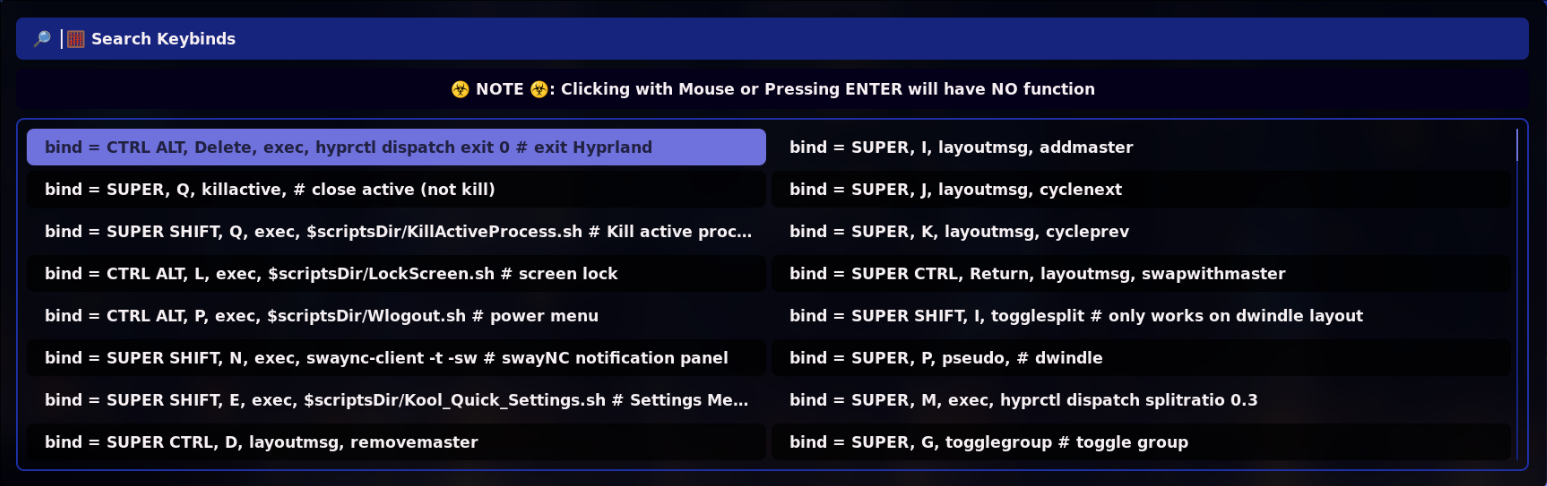
- Keybinds and FAQ (Hyprland-Dots wiki):
- Contributing (Installer): https://github.com/JaKooLit/NixOS-Hyprland/blob/main/CONTRIBUTING.md
- Contributing (Hyprland-Dots): https://github.com/JaKooLit/Hyprland-Dots/blob/main/CONTRIBUTING.md
- Thanks to Hyprland and @vaxerski; inspiration and structure from ZaneyOS (pure Nix, with auto install): https://gitlab.com/Zaney/zaneyos