Infinite scroll implementation as a category for UIScrollView.
Be aware that this category swizzles setContentOffset and setContentSize on UIScrollView.
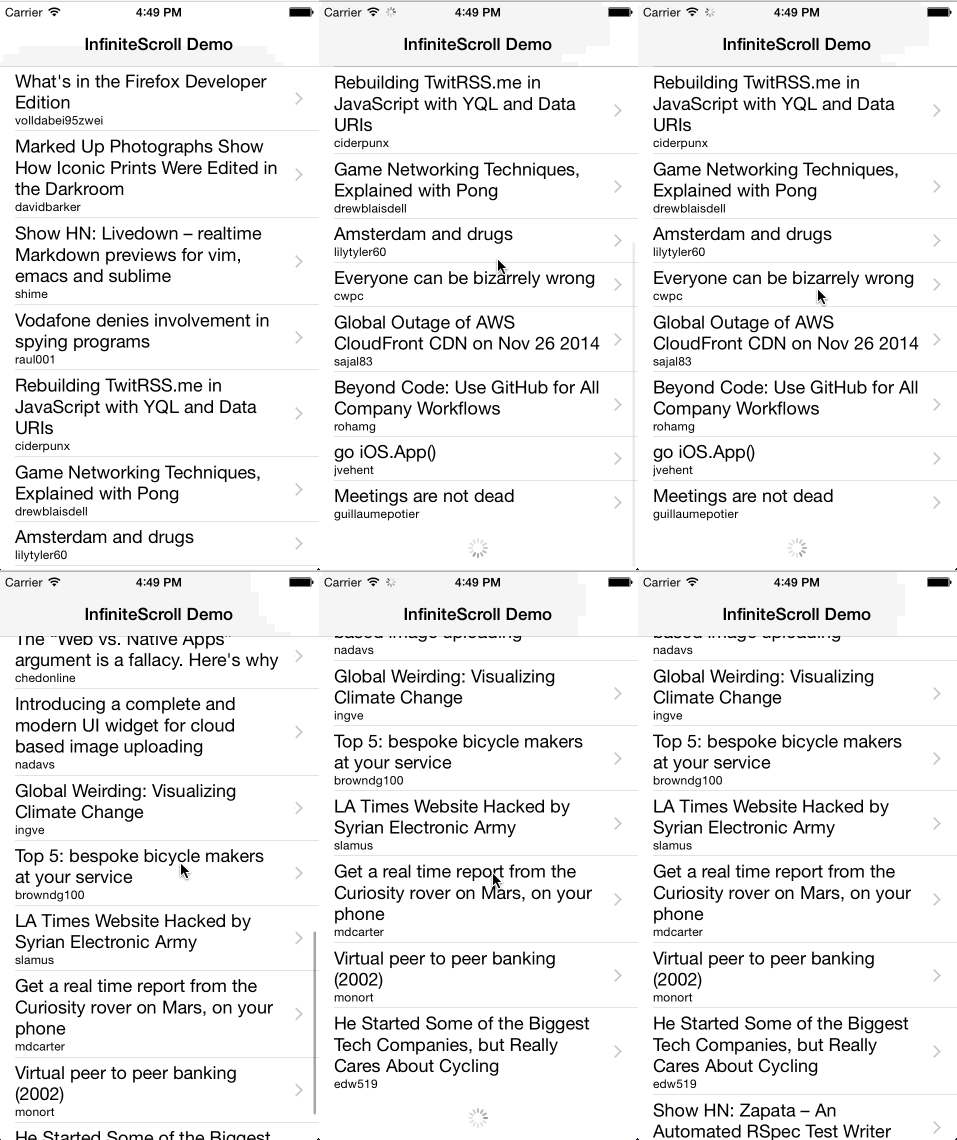
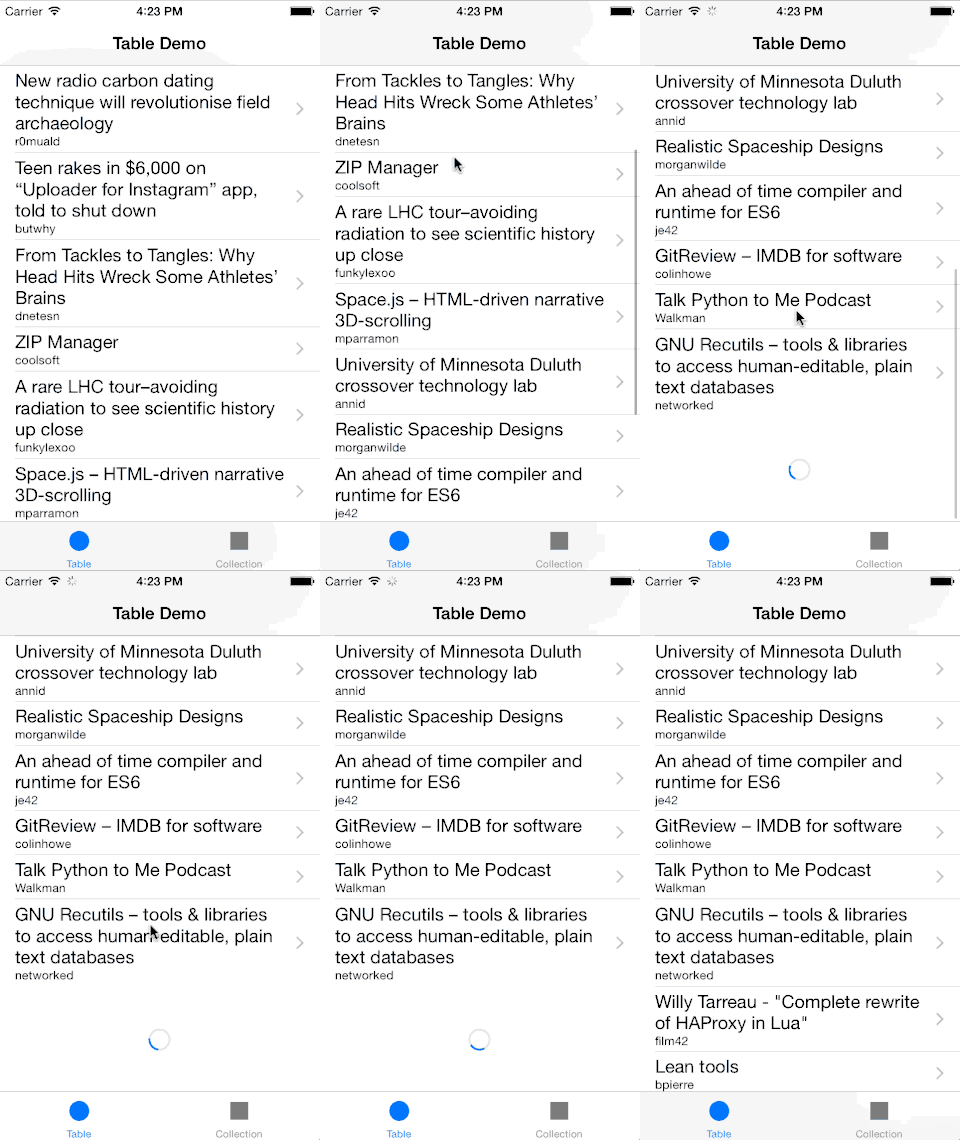
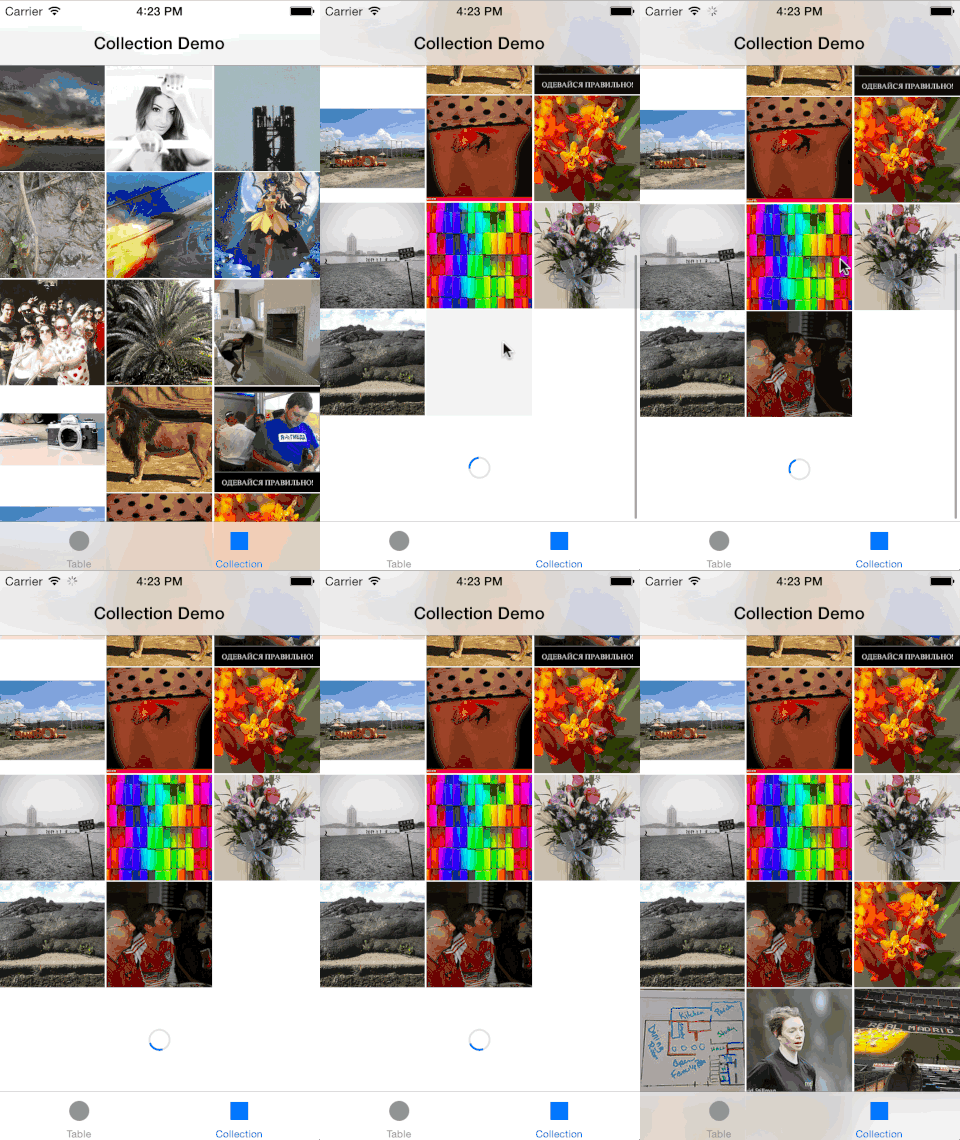
* The content used in demo app is publicly available and provided by hn.algolia.com and Flickr. Both can be inappropriate.
Just add the following line in your Podfile:
pod 'UIScrollView-InfiniteScroll'// Somewhere in your implementation file
#import <UIScrollView+InfiniteScroll.h>
// ...
- (void)viewDidLoad {
[super viewDidLoad];
// change indicator view style to white
self.tableView.infiniteScrollIndicatorStyle = UIActivityIndicatorViewStyleWhite;
// setup infinite scroll
[self.tableView addInfiniteScrollWithHandler:^(UITableView* tableView) {
//
// fetch your data here, can be async operation,
// just make sure to call finishInfiniteScroll in the end
//
// finish infinite scroll animation
[tableView finishInfiniteScroll];
}];
}UICollectionView#reloadData causes contentOffset to reset. Please use UICollectionView#performBatchUpdates instead when possible.
// Somewhere in your implementation file
#import <UIScrollView+InfiniteScroll.h>

// ...

- (void)viewDidLoad {
    [super viewDidLoad];

    [self.collectionView addInfiniteScrollWithHandler:^(UICollectionView* collectionView) {
        //
        // fetch your data here, can be async operation,
        // just make sure to call finishInfiniteScroll in the end
        //

        NSArray* newData;

        // update collection view
        [collectionView performBatchUpdates:^{
            NSMutableArray* newIndexPaths = [NSMutableArray new];
            NSInteger firstIndex = [collectionView numberOfItemsInSection:0];

            // create index paths for new elements
            for(NSInteger i = 0; i < newData.count; i++) {
                NSInteger index = firstIndex + i;
                NSIndexPath* indexPath = [NSIndexPath indexPathForItem:index inSection:0];

                [newIndexPaths addObject:indexPath];
            }

            // tell collection to append new elements
            [collectionView insertItemsAtIndexPaths:newIndexPaths];

            // update your data source with more data
            [collectionView.dataSource appendData:newData];
        } completion:^(BOOL finished) {
            // finish infinite scroll animation
            [collectionView finishInfiniteScroll];
        }];
    }];
}You can use custom indicator instead of default UIActivityIndicatorView.
Custom indicator must be a subclass of UIView and implement the following methods:
- (void)startAnimating- (void)stopAnimating
// optionally you can use custom indicator view
CustomInfiniteIndicator *infiniteIndicator = [[CustomInfiniteIndicator alloc] initWithFrame:CGRectMake(0, 0, 40, 40)];

self.tableView.infiniteScrollIndicatorView = indicator;
Please see example implementation of indicator view:
InfiniteScrollViewDemo/CustomInfiniteIndicator.m
At the moment InfiniteScroll uses indicator's frame directly so make sure you size custom indicator view beforehand. Such views as UIImageView or UIActivityIndicatorView will automatically resize themselves so no need to setup frame for them.