Making complex algorithms simple.
AlgoPlex is an interactive algorithm and data structure visualization platform designed to make complex concepts easier to understand through visualization and exploration.
Built with C++, WebAssembly (WASM), Raylib, React, and TypeScript, AlgoPlex combines the performance of native rendering with the flexibility of modern web technologies.
The visualization engine runs in C++ and is compiled to WebAssembly, while React and TypeScript power the user interface, providing a responsive and interactive learning experience.
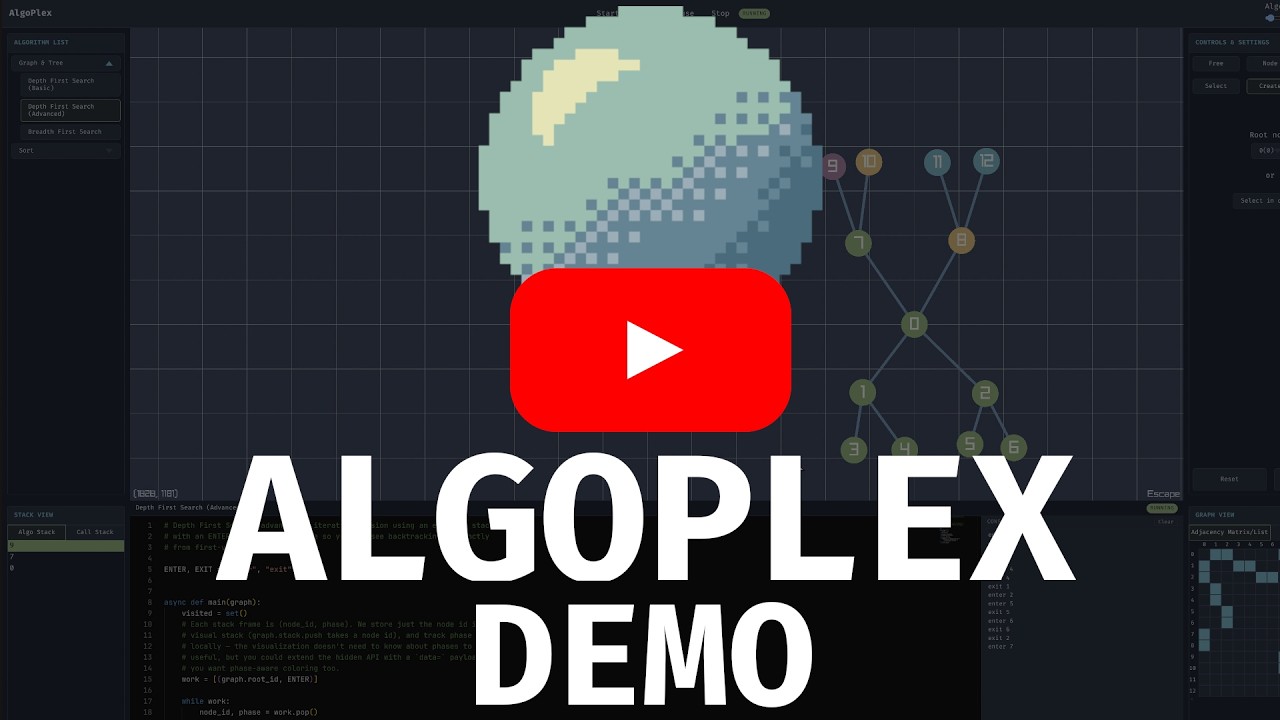
- Visualize graph and tree data structures
- Create, edit, and remove nodes directly on the canvas
- Create, edit, and remove edges between nodes
- Step through algorithm execution
- Interactive canvas navigation and manipulation
- Runtime algorithm editing and debugging
- Code block highlighting and execution tracking
- Additional visualizations and learning tools
- Depth First Search (DFS)
- Breadth First Search (BFS)
- Traveling Salesman Problem (TSP)
- More coming soon
- C++
- Raylib
- WebAssembly (Emscripten)
- React
- TypeScript
- Vite
- Node.js
- npm
- Emscripten SDK
- CMake
Ensure your Emscripten environment variables are configured correctly or sourced from your shell setup before building.
npm install

emcmake cmake -B build_wasm \
  -DCMAKE_BUILD_TYPE=Release \
  -DOPENGL_VERSION="ES 3.0"

cmake --build build_wasm -j$(nproc)

npm run devAlgoPlex aims to go beyond static visualizations by exposing the internal state of algorithms as they execute.
Future plans include:
- Algorithm state inspection
- Call stack visualization
- Data structure internals
- Pseudocode synchronization
- Runtime code execution
- Additional computer science visualizations
To create a production-ready build, enable the PRODUCTION_BUILD option in CMakeLists.txt.
Production builds:
- Use deployment-friendly resource paths
- Disable debugging facilities
- Optimize build settings for distribution
- Remove development-specific behavior
After changing this flag, it is recommended to perform a clean build by deleting the build directory and rebuilding the project from scratch.