Liner is a graphical tool designed for creating and editing lattice structures with intuitive camera and node controls.
- Fly Camera Controls: Navigate the scene smoothly with keyboard and mouse.
- LatticeConnect Controls: Draw and edit lattice lines and shapes with ease.
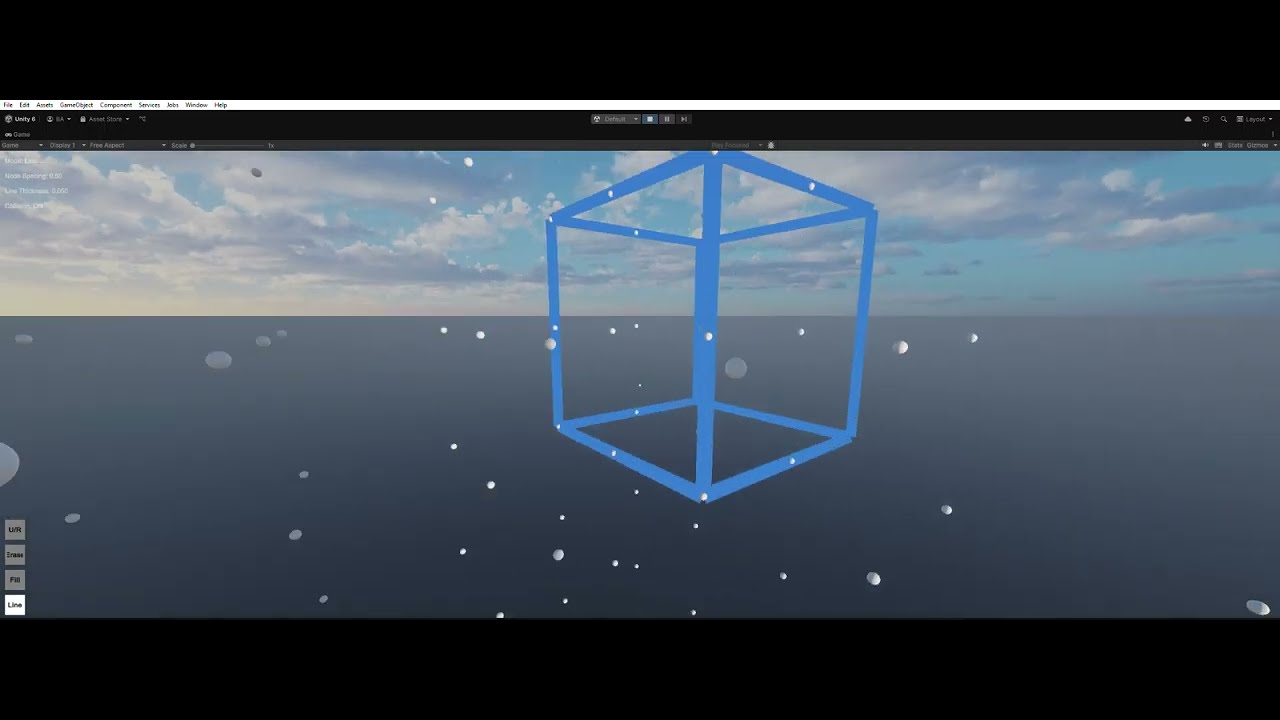
- W / A / S / D: Move forward, left, backward, right (relative to camera rotation).
- Space: Move up (ascend).
- Left Ctrl / Right Ctrl: Move down (descend).
- Left Shift: Speed boost (increases movement speed).
- Mouse Move: Look around (controls camera yaw & pitch).
- E + Scroll Up: Increase movement speed (doubles speed, max: 1.0).
- E + Scroll Down: Decrease movement speed (halves speed, min: 0.0625).
- Cursor Lock (Default): Locks cursor for first-person camera control.
- Left Click (on Node): Start or continue drawing a line (connect nodes).
- Right Click (on Node): Start or continue removing a line (disconnect nodes).
- Double Left Click: Finalize line from preview.
- Q : Select line color (cycle through preset colors).
- **Scroll :**change mode(Fill,Line,Erase).
- T: Toggle grid visibility (show/hide nodes).
- E + Scroll Up: Increase node spacing.
- E + Scroll Down: Decrease node spacing.
Note: This game is not perfect a lot of bug