Skip to content

About

My second frontend project on Hexlet. As part of the project, it was necessary to implement a program which compares two files in json or yaml format. The result can output in json format, as a tree, or as a plain text.

Resources

Stars

1 star

Watchers

1 watching

Forks

Repository files navigation

Actions Status my-check Maintainability Test Coverage

Difference calculator

Hello! My name is Andrey Gulyaykin and this is my second frontend project on Hexlet.

meme

Installation:

Just 3 commands for a quick start

git clone git@github.com:andrew-walker91/Difference-calculator
make install
npm link

How to use:

This program calculates the difference between two json or yaml(yml) structures and outputs the report to the console.

Write in your console gendiff + 2 paths to files you want to compare.

You can optionally choose one of three formatters:

stylish(used by default),

plain,

json.

Demonstration:

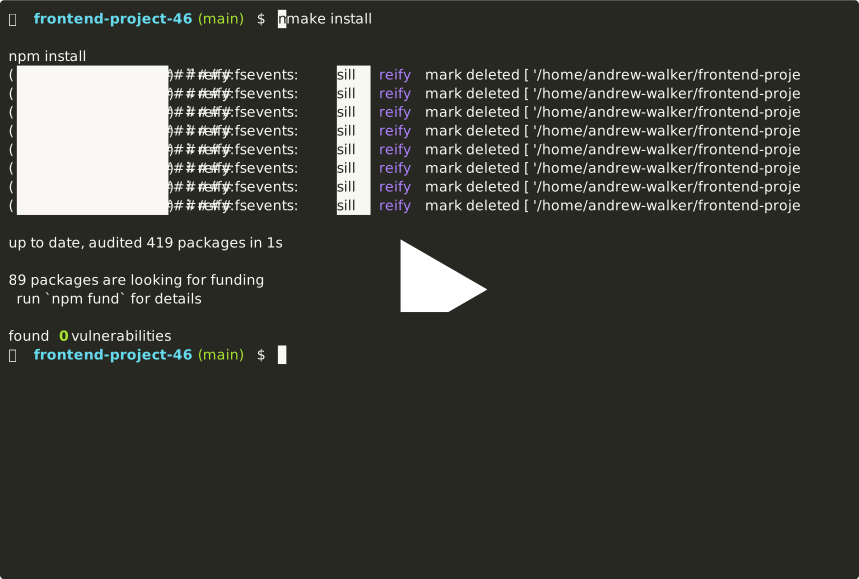
• Installation from the local repository and output help information:
asciicast

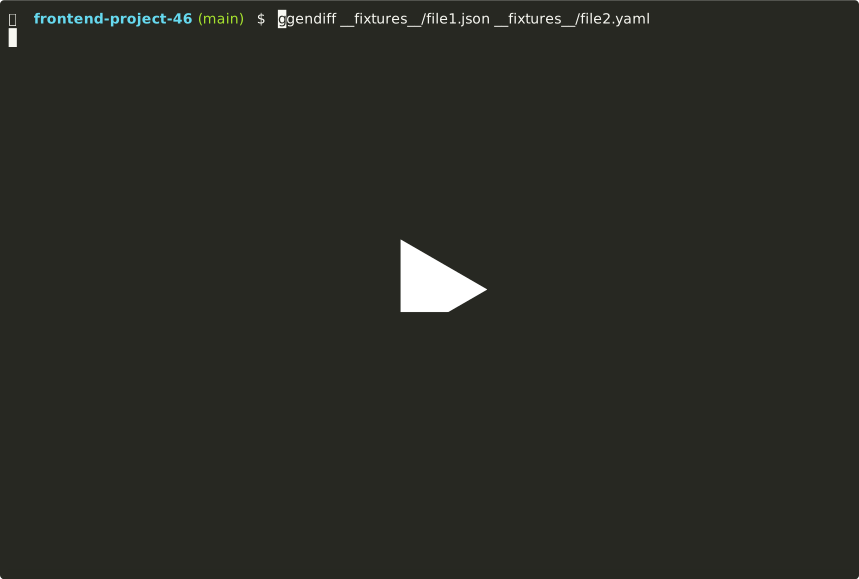
• Comparing json and yaml files and making output in stylish format (default):
asciicast

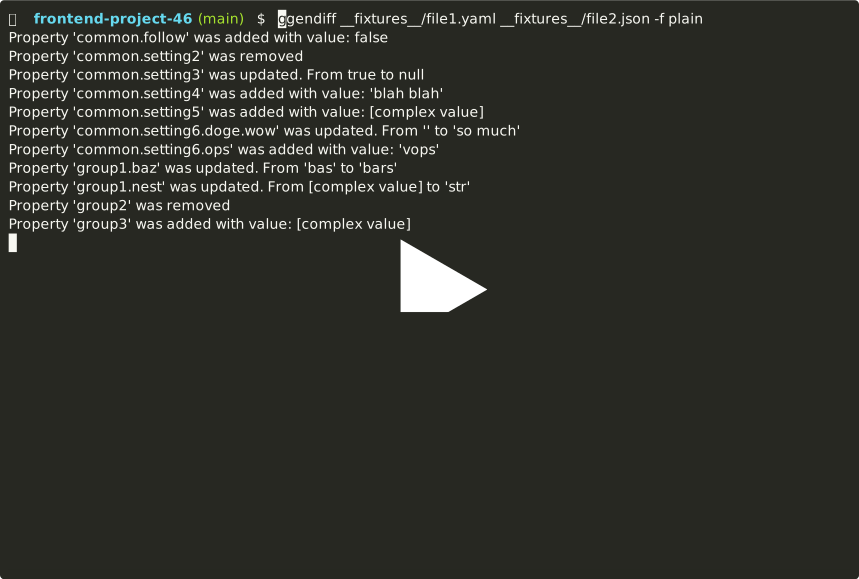
• Comparing yaml and json files and making output in plain format:
asciicast

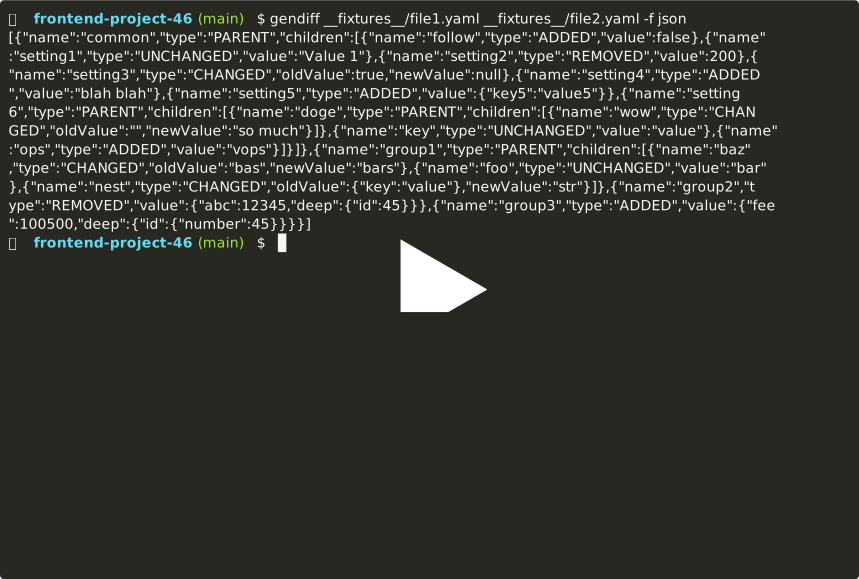
• Comparing yaml and yml files and making output in json format:
asciicast

About

My second frontend project on Hexlet. As part of the project, it was necessary to implement a program which compares two files in json or yaml format. The result can output in json format, as a tree, or as a plain text.

Resources

Stars

1 star

Watchers

1 watching

Forks

Contributors

Languages