O objetivo do projeto é realizar é buscar os dados do usuário com OAuth2 do google.
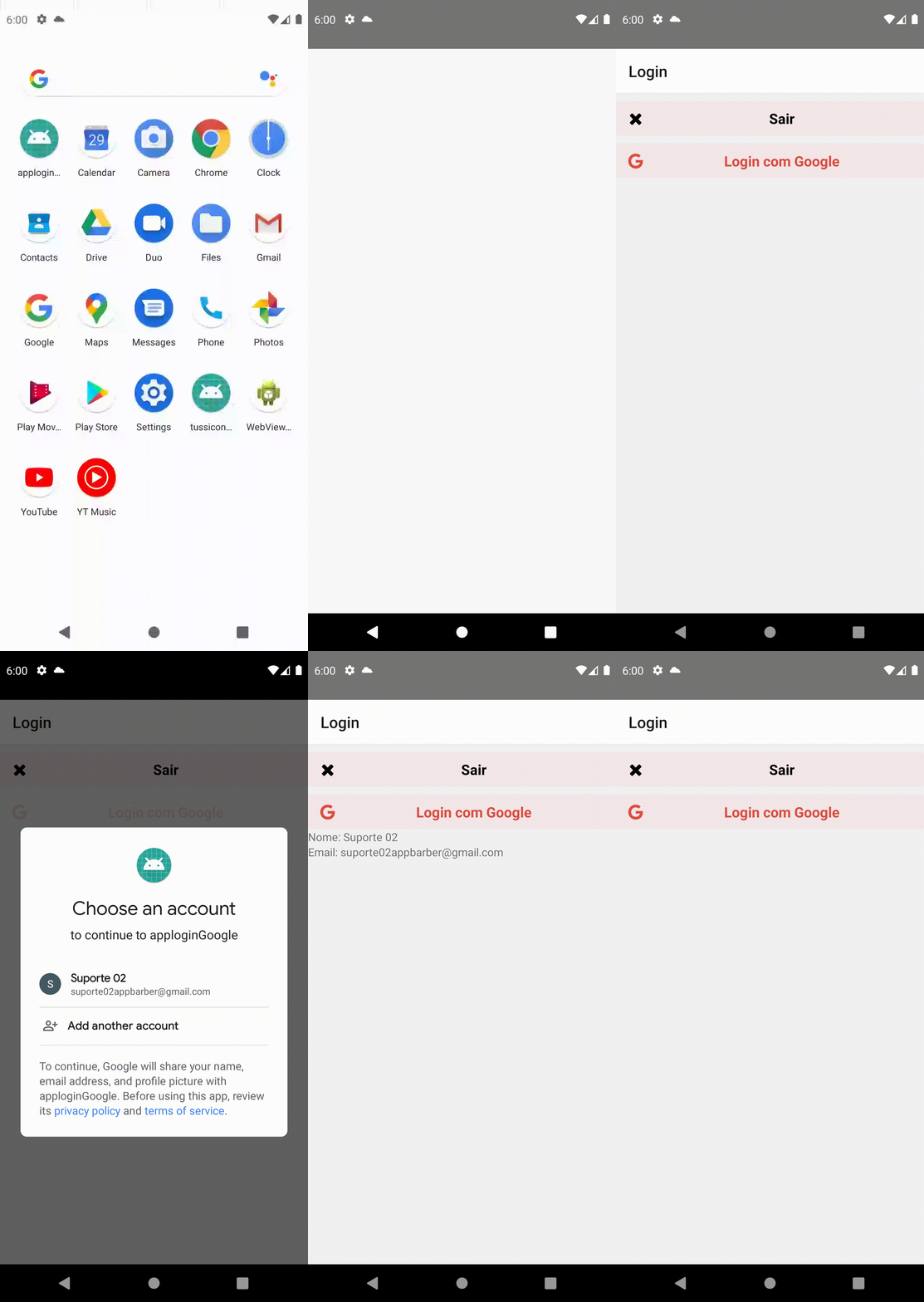
- Criando App
- Instalar dependencia
- Criar projeto no Firebase
- criar app no firebase
- baixar json
- Buscar dados
Inicie um aplicativo em react-nativeusando o seguinte comando
#exemplo
# npx react-native init <NOMEDOSEUAPP> && cd <NOMEDOSEUAPP>
npx react-native init applogingoogle && cd Google applogingooglePara estilos e também o firebase precisaremos das seguintes dependencias:
- @react-native-community/google-signin
- @react-navigation/native
- @react-navigation/stack
- react
- react-native
- react-native-gesture-handler
- react-native-safe-area-context
- react-native-vector-icons
yarn add @react-native-community/google-signin @react-navigation/native @react-navigation/stack react-native-gesture-handler react-native-safe-area-context react-native-vector-iconsou
npm install @react-native-community/google-signin @react-navigation/native @react-navigation/stack react-native-gesture-handler react-native-safe-area-context react-native-vector-iconsApós criar um projeto no firebase e criar o app é necessário substituir o arquivo na pasta android/app
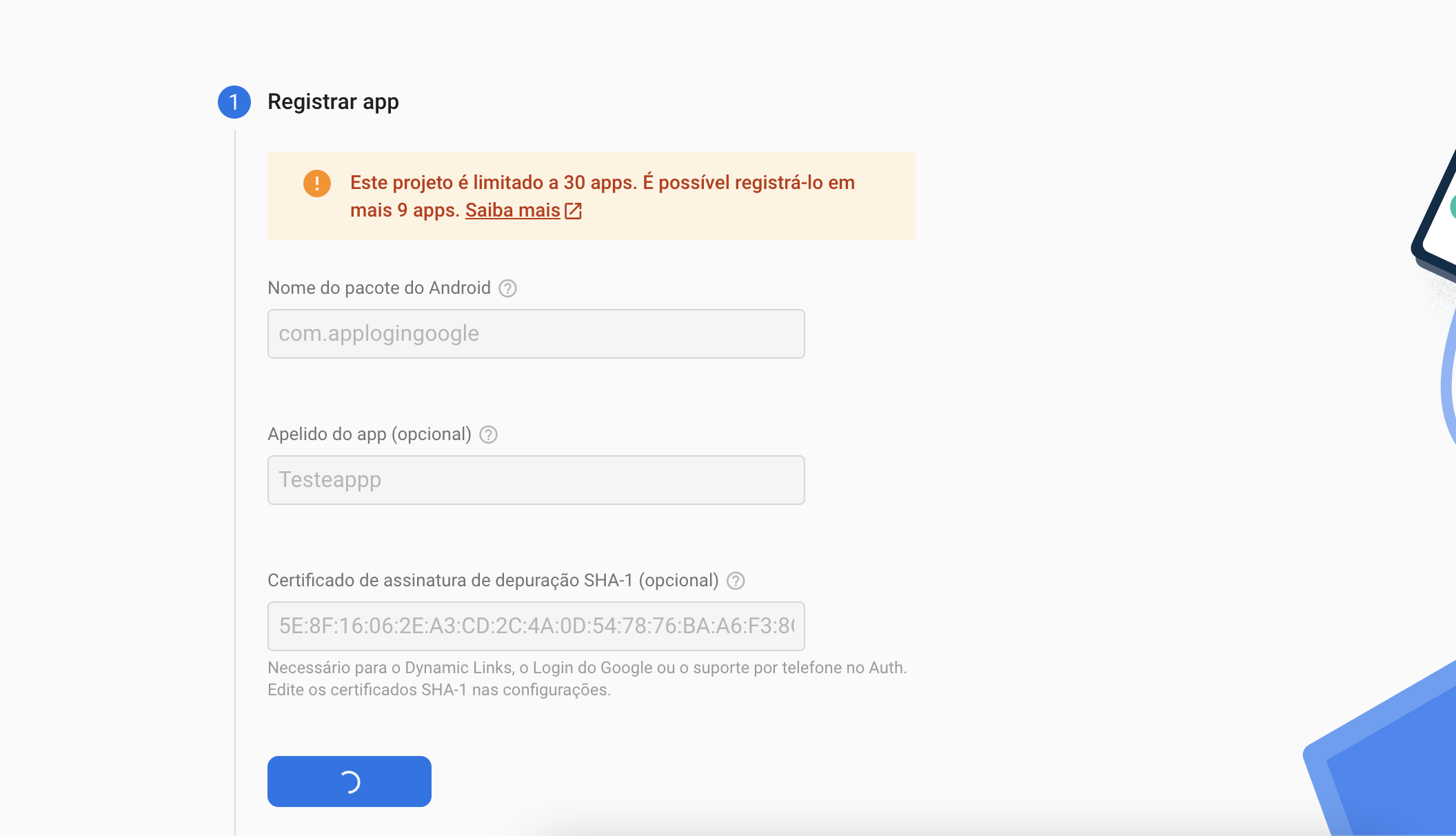
Depois de baixado o arquivo pode visualizar o webClientId e inser no código
import { GoogleSignin } from '@react-native-community/google-signin';
...

function Routes() {
 useEffect (() => {
   // inicializa o Google SDK
   GoogleSignin.configure ({
     webClientId: '<SEU webClientId>',
   });
 }, []);
 return (
   <>
...
 </>
 );
}

export default Routes;