
Key Features • How To Use • Credits • Collaborators • License
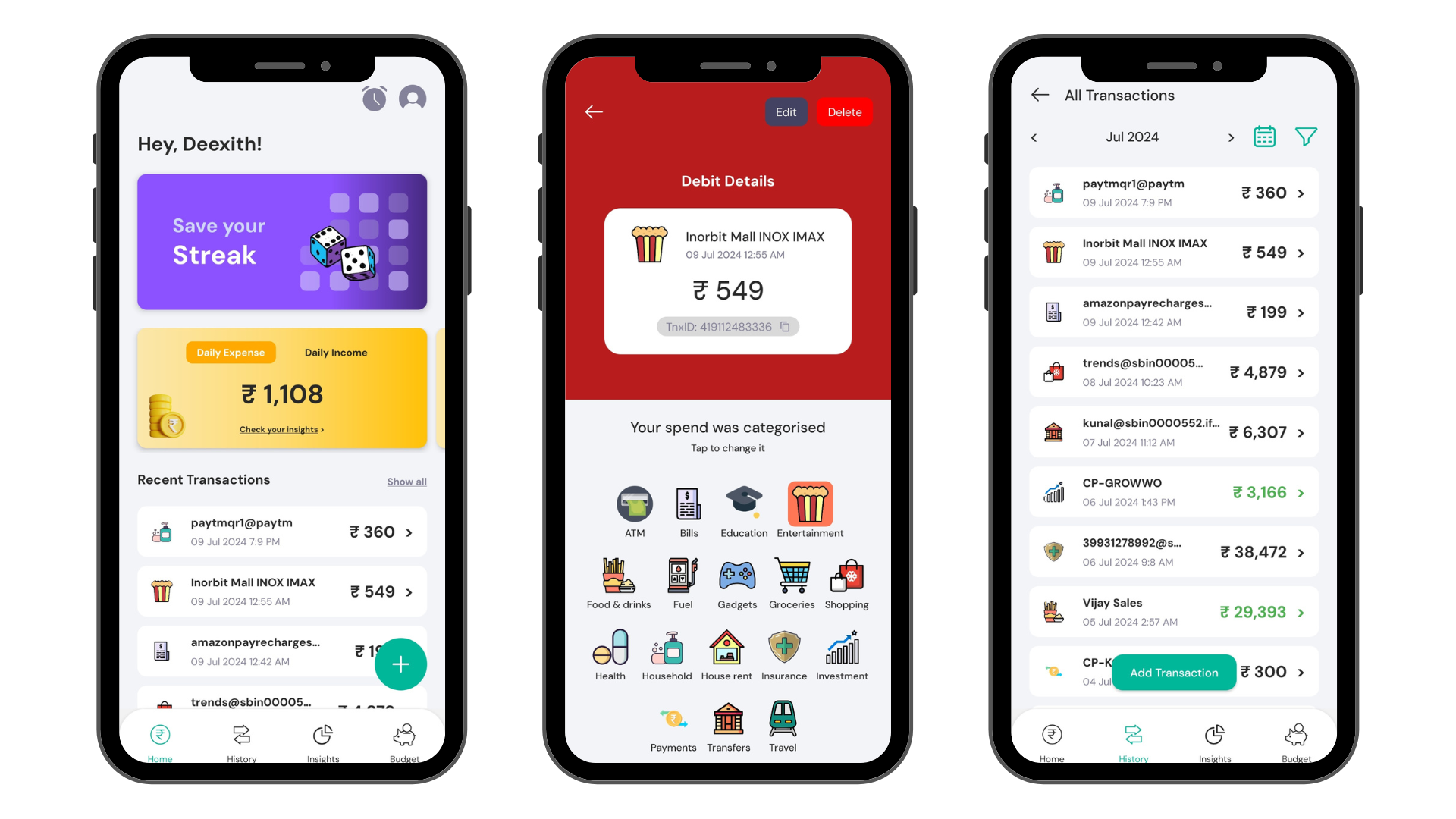
- Automated Transaction Extraction from SMS (using transaction-sms-parser)
- Sync Data so that you dont loose data (Backend Code)
- CRUD Operations for Trnasactions
- Categories your income/spend from default or create new
- Create Reminders so that you never miss a payment
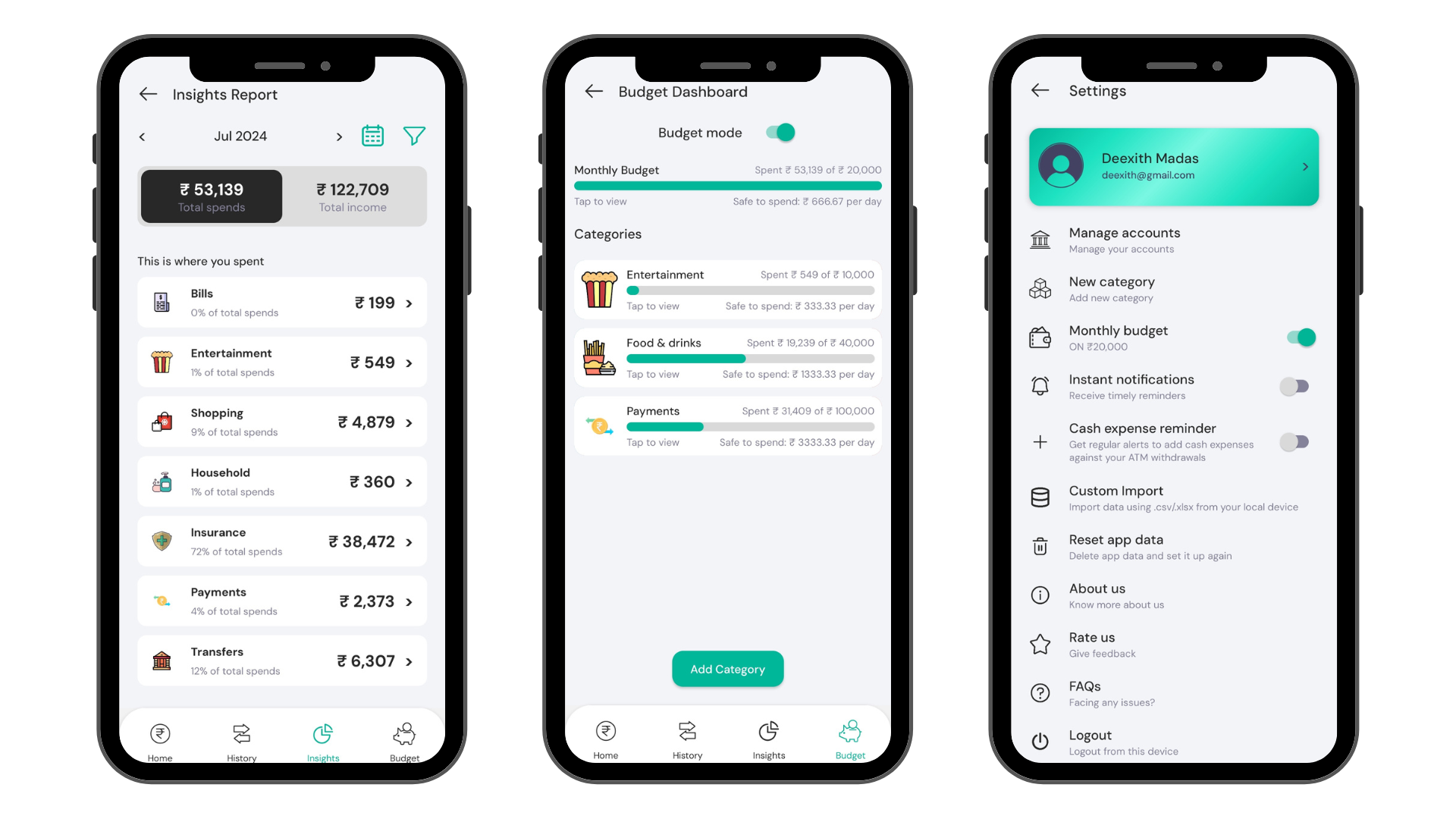
- Set Budgets based on Category
- Compete with your friends for Leaderboard
- Transaction History & Analytics Dashboard
- Support for Wallet, Cards and Bank Accounts
- Monochrome Icon for A13+
To clone and run this application, you'll need Git and Node.js (which comes with npm) installed on your computer. From your command line:
# Clone this repository
$ git clone https://github.com/kunalagra/UniMoney

# Go into the repository
$ cd UniMoney

# Rename .env.example to .env
$ mv .env.example .env

# Install dependencies
$ npm install

# Run the app
$ npm run start
Important
Populate your .env keys with their respective values.
Note
If you're using Linux Bash for Windows, see this guide or use node from the command prompt.
This software uses the following packages:
- React Native
- Various Other deps

Kunal Agrawal |

Ganesh Utla |

Deexith Madas |
AGPL-3