
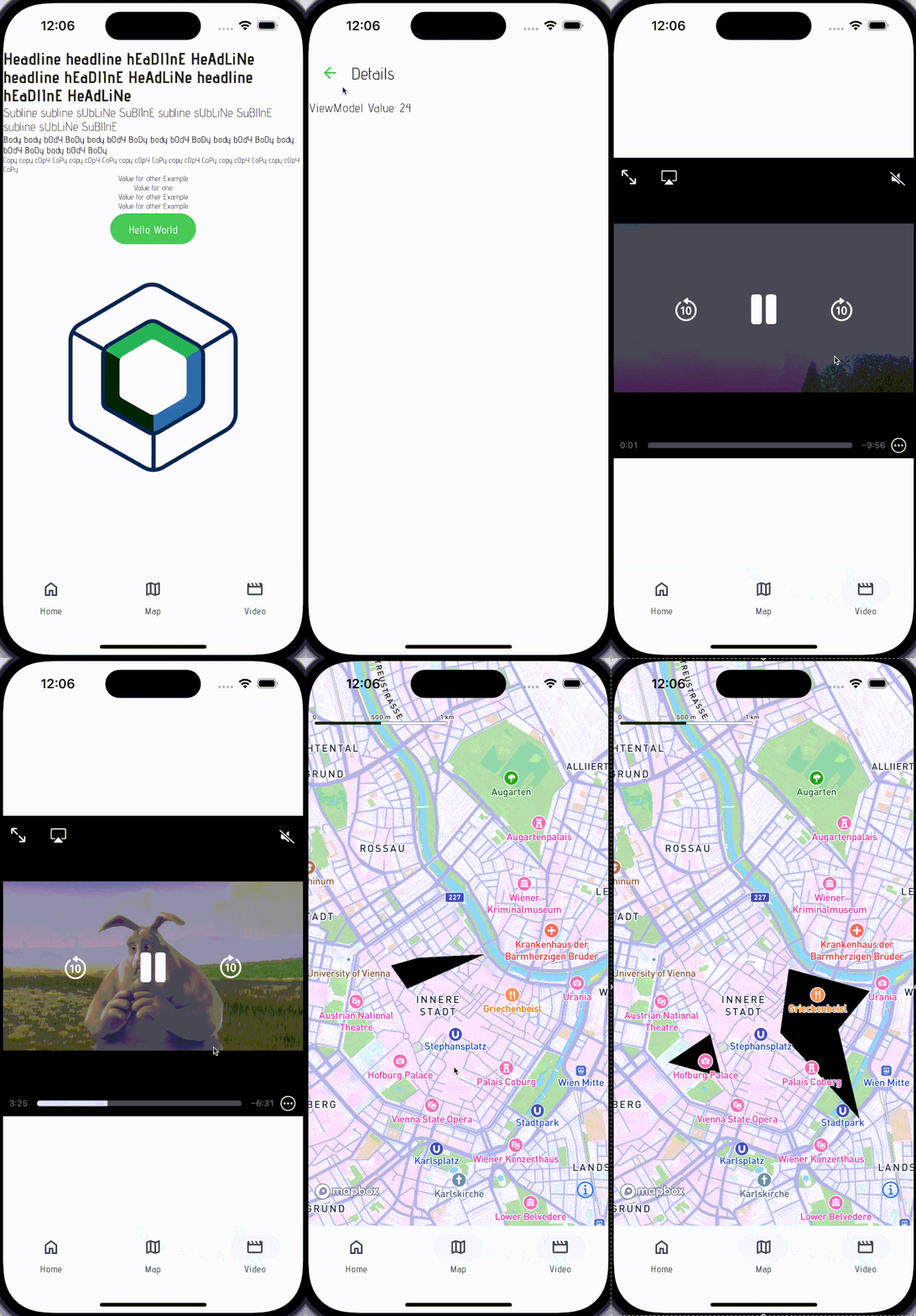
This project shows how to use kotlin multiplatform with compose and custom ui components for each platform
-
/sharedis for code that will be shared across the Compose Multiplatform applications. It contains several subfolders:commonMainis for code that’s common for all targets.- Other folders are for Kotlin code that will be compiled for only the platform indicated in the folder name.
For example, if you want to use Apple’s CoreCrypto for the iOS part of your Kotlin app,
iosMainwould be the right folder for such calls.
-
/androidcontains the Android application -
/ioscontains the iOS application. Even if you’re sharing your UI with Compose Multiplatform, you need this entry point for your iOS app. This is also where you should add SwiftUI code for your project.
- Install the following IntelliJ plugin https://plugins.jetbrains.com/plugin/16541-compose-multiplatform-ide-support
- Within
gradle.propertiessetmapboxSecretToken&mapboxPublicToken - Within
iOS/Configuration/Config.xcconfigsetMAPBOX_PUBLIC_TOKEN - Follow instructions for configuring your secret token for IOS MapBox: https://docs.mapbox.com/ios/maps/guides/install/
touch ~/.netrc- Add the following to that file
machine api.mapbox.com
login mapbox
password YOUR_SECRET_MAPBOX_ACCESS_TOKEN
chmod 0600 ~/.netrc