==================================================================
Faculty: CS
Phone Number: 0707725414
Email: selma.nezihoglu@iaau.edu.kg
It is a web application that includes a Student database inside. The purpose of the project is to help students and teachers by providing contact information for their classmates and students. The project is done by html and java languages. For the database, postgreSQL is used. The application contains REST API, the further information about it is given below.
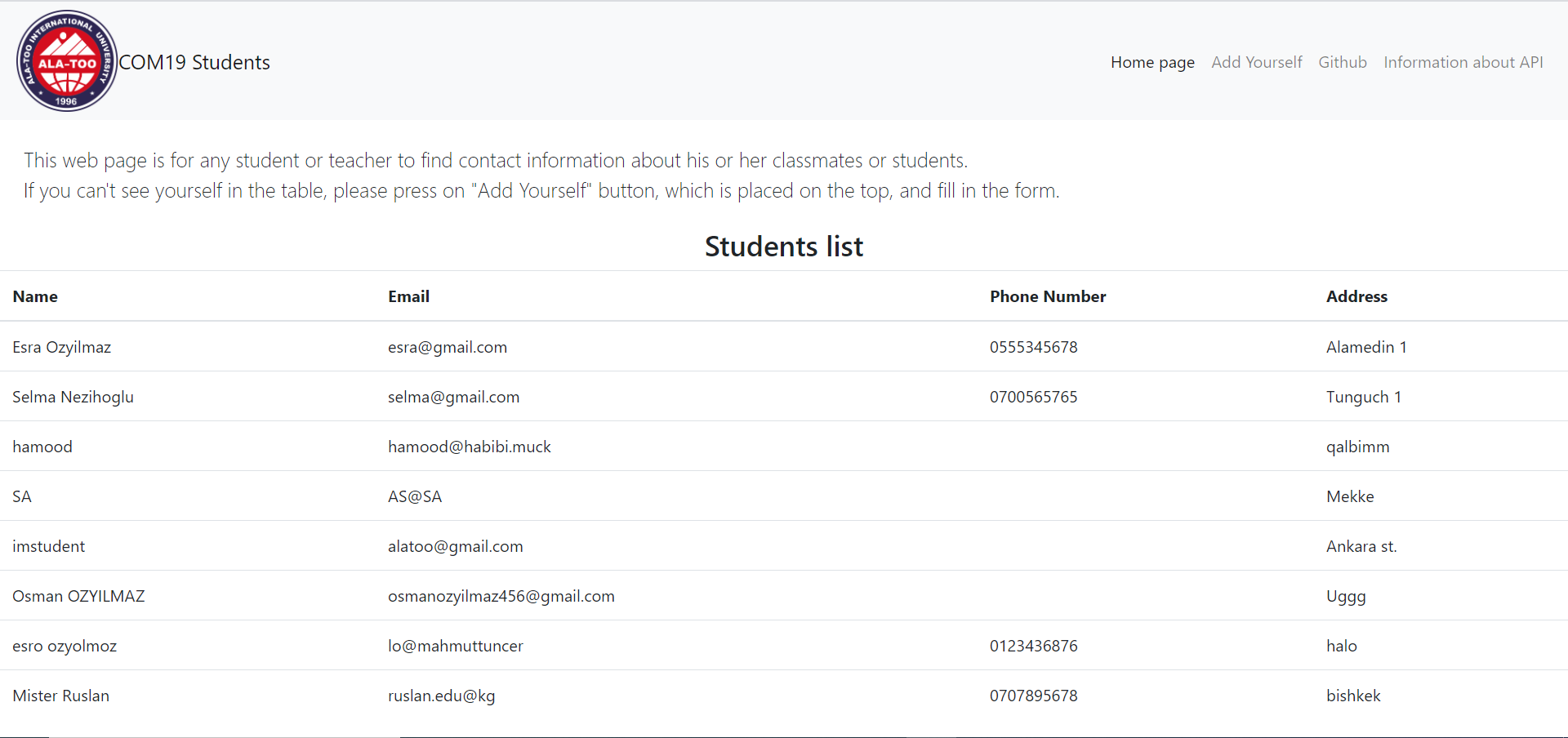
Here is how the web application looks like:
Main page:
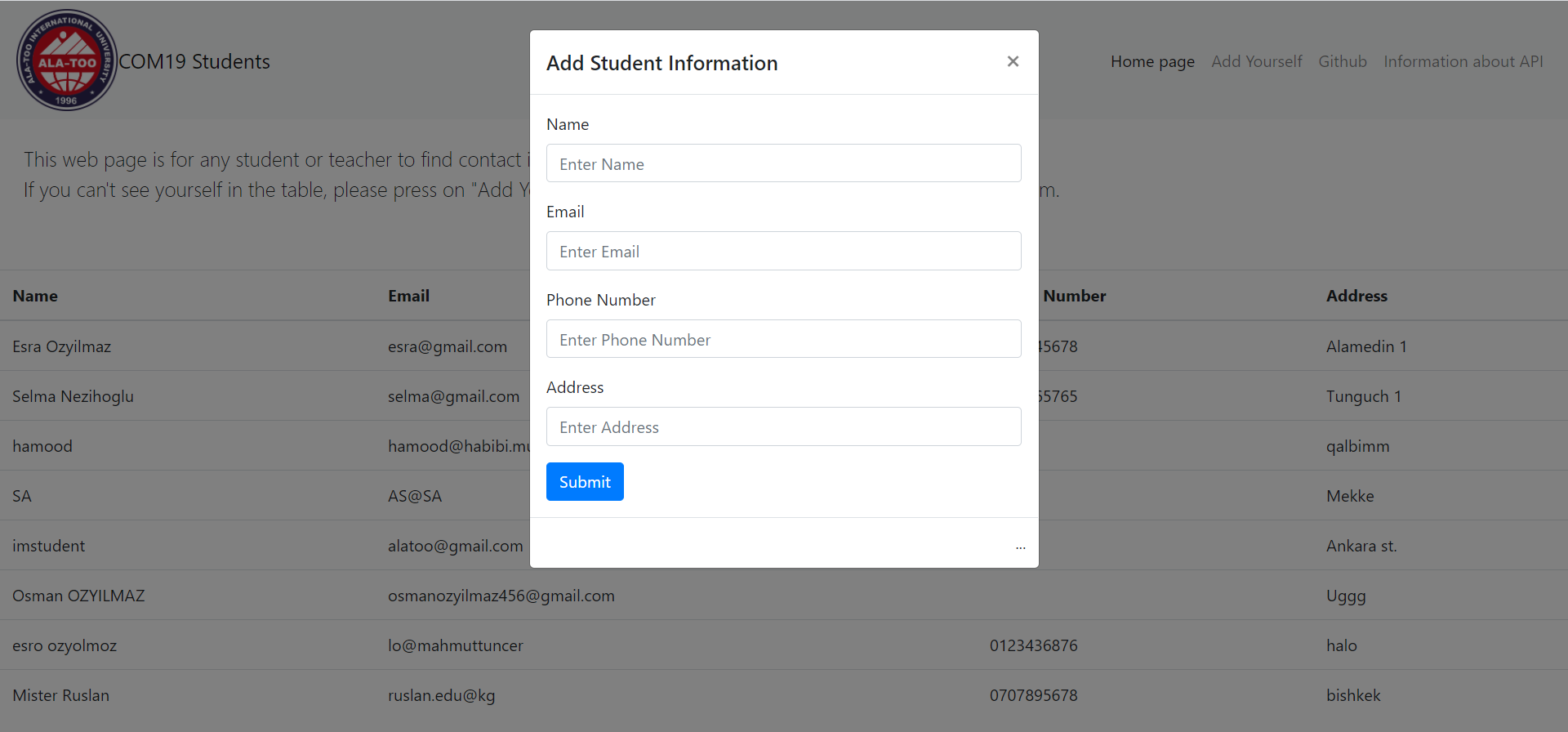
"Add Yourself" window
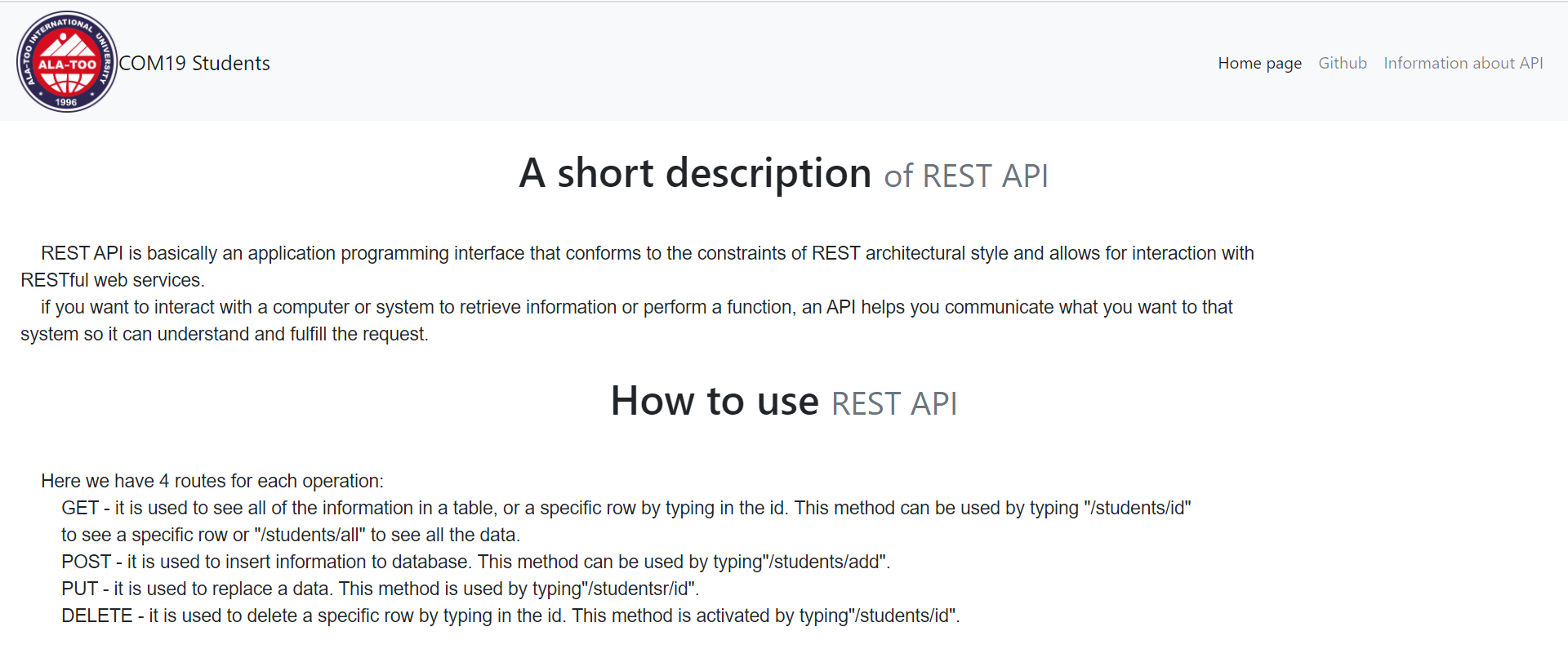
Information window for API
Here is the code for API:
@PostMapping("/add")
    public @ResponseBody String addNewStudent(@RequestBody Students student) {
        StudentsRepository.save(student);
        return "OK";
    }

    @GetMapping("/all")
    public @ResponseBody Iterable<Students> getAllStudents() {
        return StudentsRepository.findAll();
    }

    @GetMapping("/{id}")
    public @ResponseBody Students one(@PathVariable Integer id) {
        return StudentsRepository.findById(id).orElseThrow(() -> new StudentNotFoundException(id));
    }

    @PutMapping("/{id}")
    public @ResponseBody Students put(@RequestBody Students replaceStudents, @PathVariable Integer id) {
        return StudentsRepository.findById(id).map(Students -> {
            Students = replaceStudents;
            Students.setId(id);
            return StudentsRepository.save(Students);
        }).orElseThrow(() -> new StudentNotFoundException(id));
    }

    @DeleteMapping("/{id}")
    void del(@PathVariable Integer id) {
        StudentsRepository.deleteById(id);
    }
Here we have 4 routes for each operation:
  * GET - it is used to see all of the information in a table, or a specific row by typing in the id. This method can be used by typing "/students/id" to see a specific row or "/students/all" to see all the data.
  * POST - it is used to insert information to database. This method can be used by typing"/students/add".
  * PUT - it is used to replace a data. This method is used by typing"/studentsr/id".
  * DELETE - it is used to delete a specific row by typing in the id. This method is activated by typing"/students/id".