Pagewalker is a tool for implementing E2E tests in JavaScript (Node.js).
- Uses Chrome as the browser for test execution (via Puppeteer).
- Headless execution is possible.
- Everything can be run in Docker (no need to install Node.js on the host machine).
- The execution in the Docker container can be monitored in a web browser.
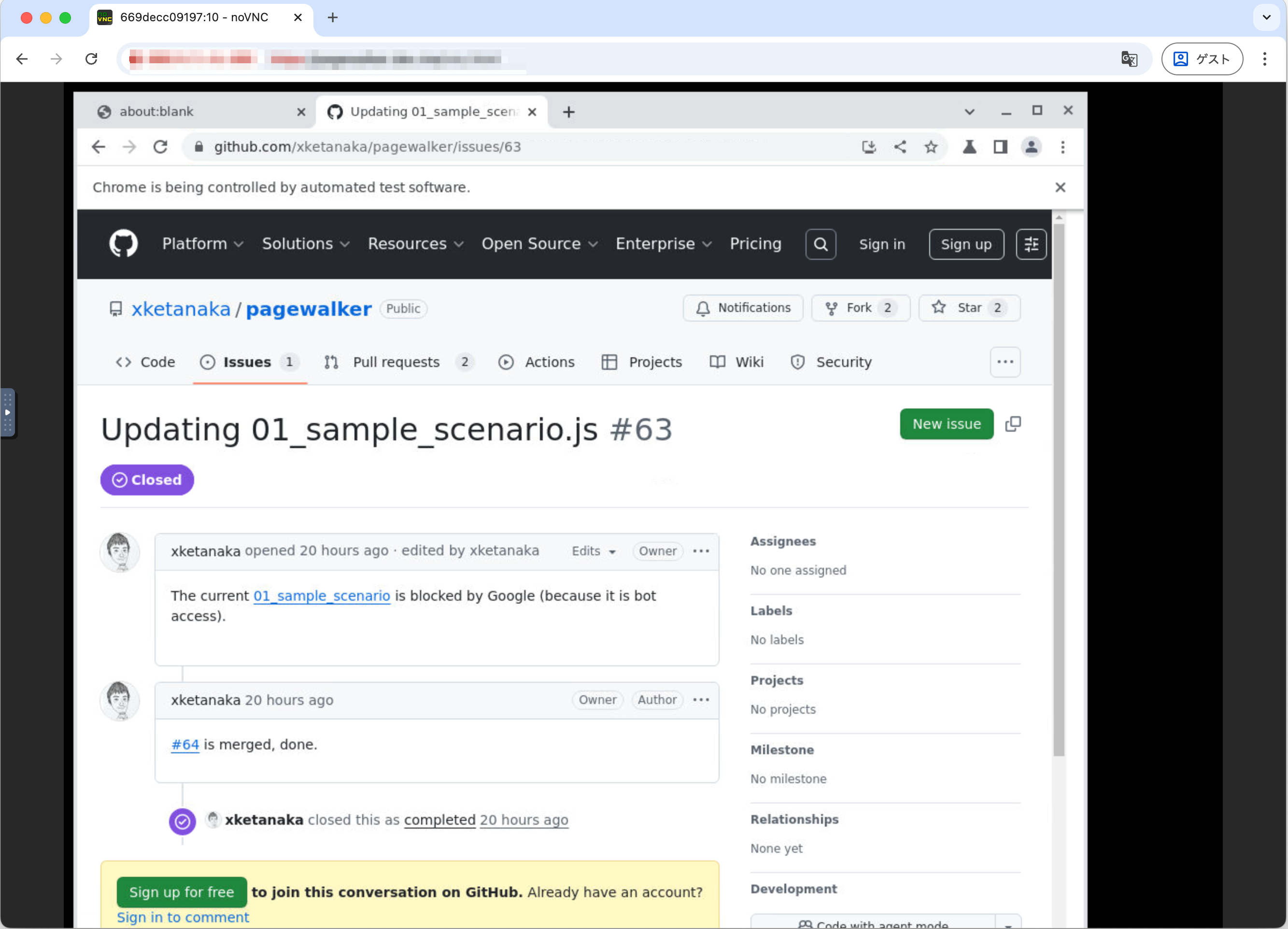
To run in a Docker environment, navigate to an empty project directory and retrieve the files with the following command:
curl https://raw.githubusercontent.com/xketanaka/pagewalker/master/dist/pagewalker-docker.tar.gz | tar zxvf -
When you run this, Dockerfile and docker-compose.yml will be placed in the directory.
Start the execution environment with docker compose.
docker compose up -d
The pagewalker Docker container allows you to view the execution status in a GUI (web browser). It uses port 8010 for this purpose. If you want to change the port number, please edit docker-compose.yml.
Once the Docker container is running, execute the pagewalker initialization command (init-pagewalker-project).
docker compose exec app npx --package=pagewalker -- init-pagewalker-project
When the initialization command finishes successfully, package.json and the necessary directories will be created.
Next, install the npm packages.
docker compose exec app npm install
Now you are ready to run.
Run the default sample scenario (01_sample_scenario.js) with npm test.
docker compose exec app npm test
You can check the operation of pagewalker by accessing http://localhost:8010/vnc.html in your web browser.
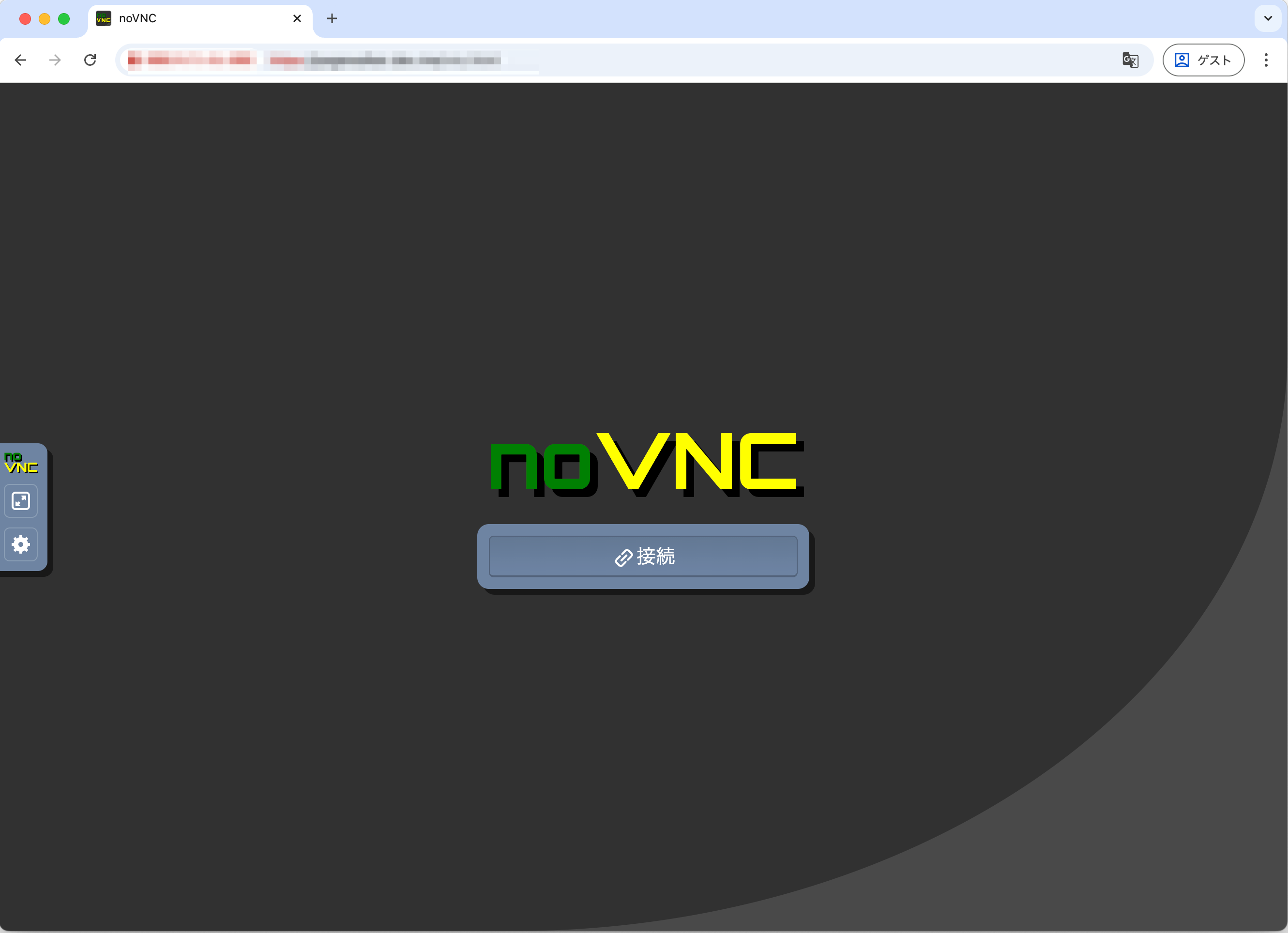
Click the [Connect] button.
It is assumed that Node.js/NPM is installed on the host environment.
Navigate to an empty project directory and execute the initialization command (init-pagewalker-project).
npx --package=pagewalker -- init-pagewalker-project
When the initialization command finishes successfully, package.json and the necessary directories will be created.
Next, install the npm packages.
npm install
Now you are ready to run.
Run the default sample scenario (01_sample_scenario.js) with npm test.
npm test
When you run it, you can see the browser start up and navigate to the pagewalker GitHub page.
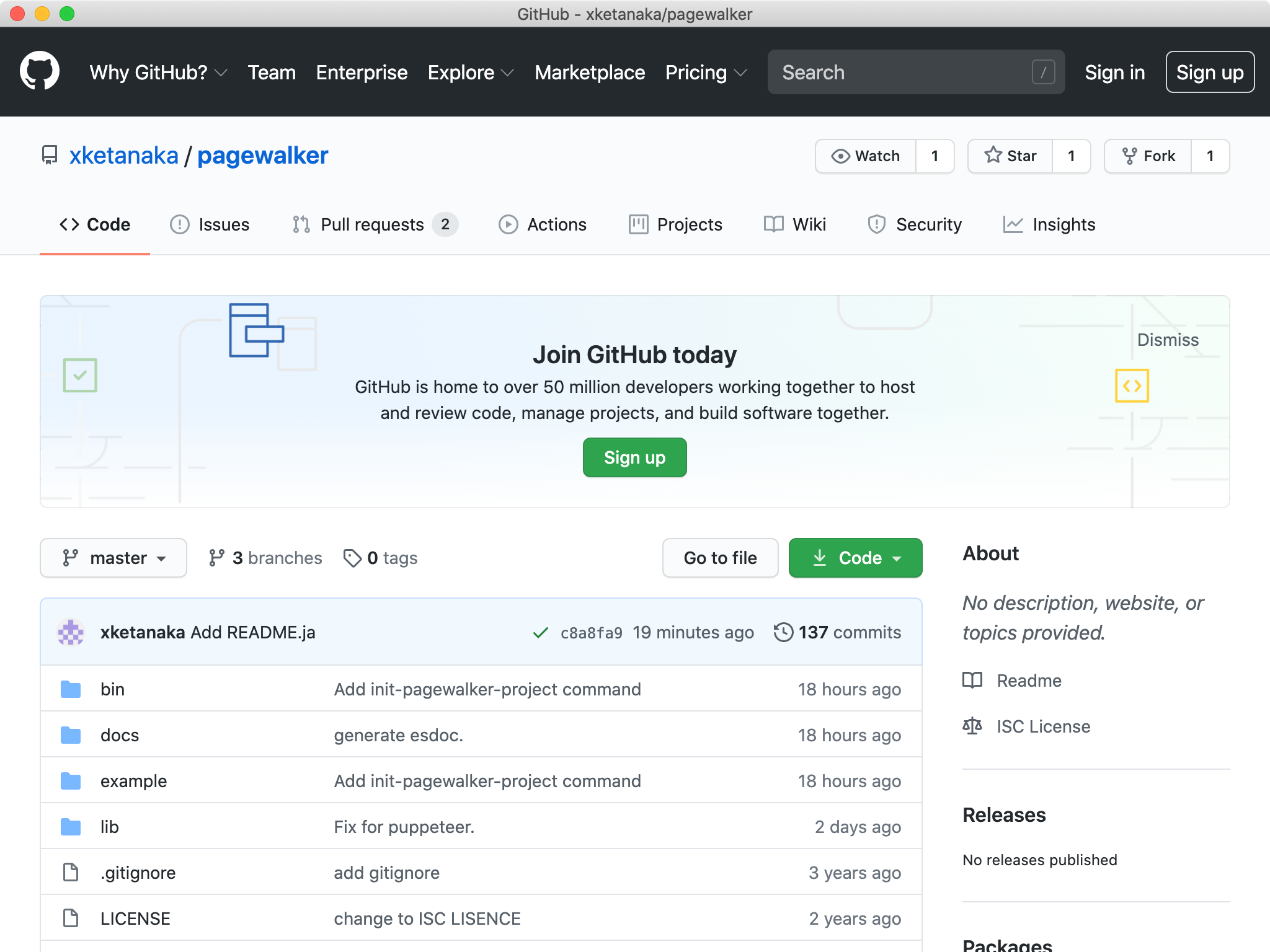
First, let's look at the sample (01_sample_scenario.js) created by init-pagewalker-project.
const {page} = require('pagewalker');
const assert = require('assert');

describe('First example', ()=>{
  it('Visit Github and Inspect code', async function(){

    await page.load('https://github.com/xketanaka/pagewalker');

    await assert.strictEqual(page.url, 'https://github.com/xketanaka/pagewalker');

    await page.find('div.search-input-container button').click();

    await page.find('input#query-builder-test').fillIn("repo:xketanaka/pagewalker 01_sample_scenario.js");

    await page.find('input#query-builder-test').submit();

    await page.waitForFinder(page.find("h2#search-filters-title").haveText("Filter by"));

    await page.find('a').textIncludes("Updating 01_sample_scenario").click();

    await page.waitForFinder(page.find("h1").textIncludes("Updating 01_sample_scenario.js"));

    await page.find("div#issue-body-viewer a").haveText("01_sample_scenario").click();

    await page.waitForSelector("textarea#read-only-cursor-text-area");

    const expected = 'We have verified that this text exists.';
    assert(await page.find("textarea#read-only-cursor-text-area").textIncludes(expected).exist());
  });
});
pagewalker uses mocha as its testing framework.
We will write scenarios using describe and it.
To operate the browser, use the page object provided by pagewalker.
Many of the methods of the page object return a Promise.
We will write scenarios using async/await as in the sample.
More practical code samples can be found in example.